
Social media feeds widget design pattern: Canada.ca design
Decommissioning
We’re decommissioning this pattern and don’t recommend using it on your pages. For questions related to this pattern, contact the Canada.ca Experience Office.
The social media feeds widget is an in-page component that allows the latest posts from official Government of Canada social media accounts to be embedded on Canada.ca pages
When to use this pattern
- Use the social media feeds widget on pages where official GC social media accounts are relevant to the current context
- Do not use this component when a person’s flow must not be interrupted, as in a transactional process
- Do not duplicate content from other promotional components on the page
How to use this pattern
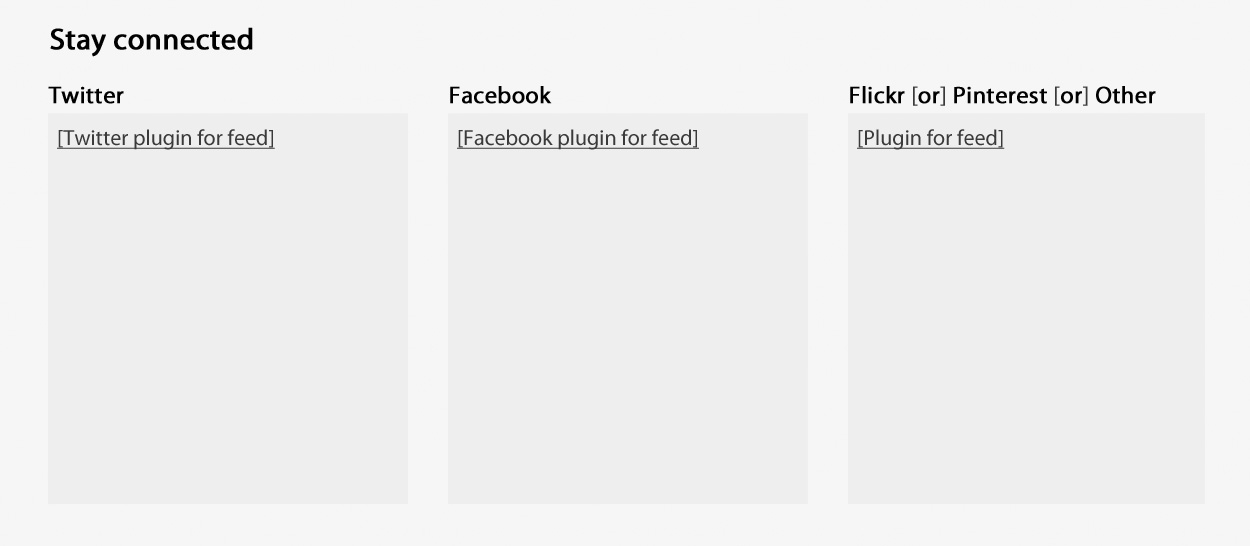
- The social media feeds widget consists of a heading with panels for up to 3 social media accounts, each featuring a feed of recent posts
- The default heading for this widget is “Stay connected”
- Each feed panel includes
- a heading that indicates which social media platform the account’s feed is drawn from, for example Facebook or YouTube
- a feed of the recent posts from that account, arranged in reverse chronological order
- the 3 most recent posts as the default setting, with a link to the account from which the feed is drawn to allow people to see more
- Use the defined presentation classes included in the Canada.ca WET theme
Working example
Example
Latest changes
- Updated to indicate that this pattern is no longer supported.
Page details
- Date modified: